



Family Front Desk

Independent setup kits for Grok Bot

Family Front Desk

A ready-made family bot for Grok Bot. Start with Family Command Center for school, meals, groceries, chores, and home upkeep, then add sports, travel, budget, or fitness and nutrition help when you need it. No blank page and no tech skills needed: you paste one key and the bot sets itself up.

You'll need Grok Bot. Our kits run inside a Grok Bot subscription, which you get separately. Get Grok Bot (opens in a new tab)

How it works

Four easy steps. The bot does the rest.

No files to deal with. All you need is one link and one key, both in your receipt email.

  1. Buy a kit

    Start with Family Command Center or the Bundle. Checkout takes about a minute.

  2. Check your email

    Right after you buy, you get a receipt email. It has your license key and your bot link.

  3. Open the bot link

    Open it on the device where you use Grok Bot, and follow the prompt to add the Family Front Desk bot.

  4. Paste your key

    The bot asks for your license key. It's in your receipt email from Gumroad. Paste it into the chat. That's it.

Then the bot sets itself up. It asks you a few simple questions, offers to connect your calendar, creates its helper bots, and shows you each routine before turning anything on. It never asks for passwords or card numbers, and it never sends a message without your OK.

Don't have Grok Bot yet? You need a Grok Bot subscription first. Get Grok Bot (opens in a new tab)

Already bought? Your bot link is in your receipt email. You can also open it here: Add the Family Front Desk bot (opens in a new tab). You'll still need your license key.

The kits

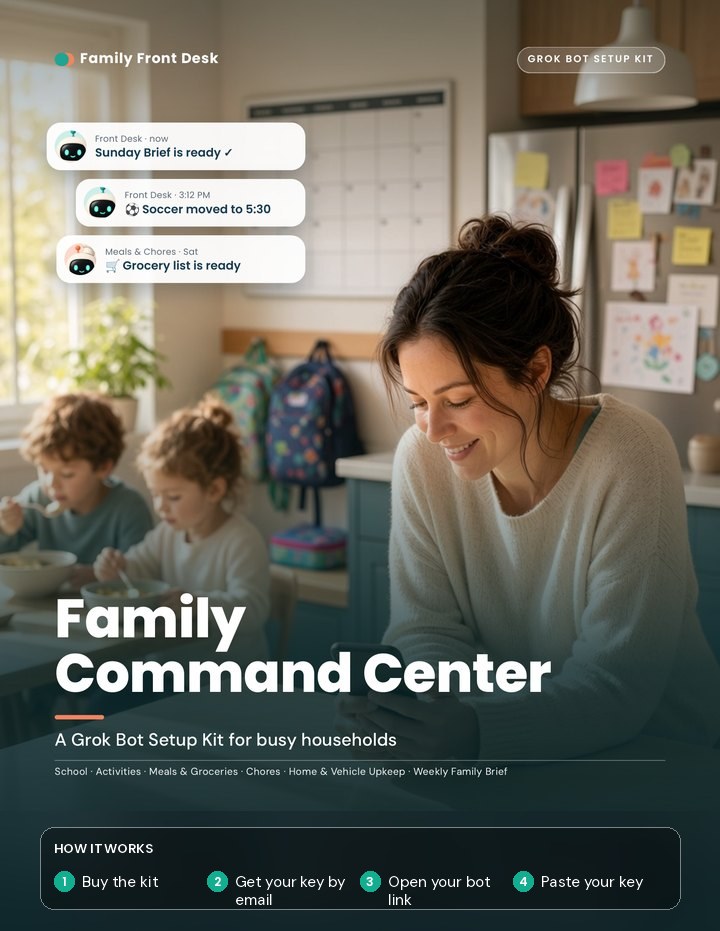
Start with Family Command Center

Family Command Center is the core kit. The four add-ons plug into it: after you buy one, paste its license key into your Family Front Desk bot's chat, and it creates the helper bots for you.

Every kit comes with a license key. Requires a Grok Bot subscription (sold separately).

Add-ons for Command Center

$15 each. Each add-on needs Family Command Center set up first. After you buy one, paste its license key into your Family Front Desk bot's chat. The bot creates that add-on's helpers and asks before turning on any routine. No new link needed.

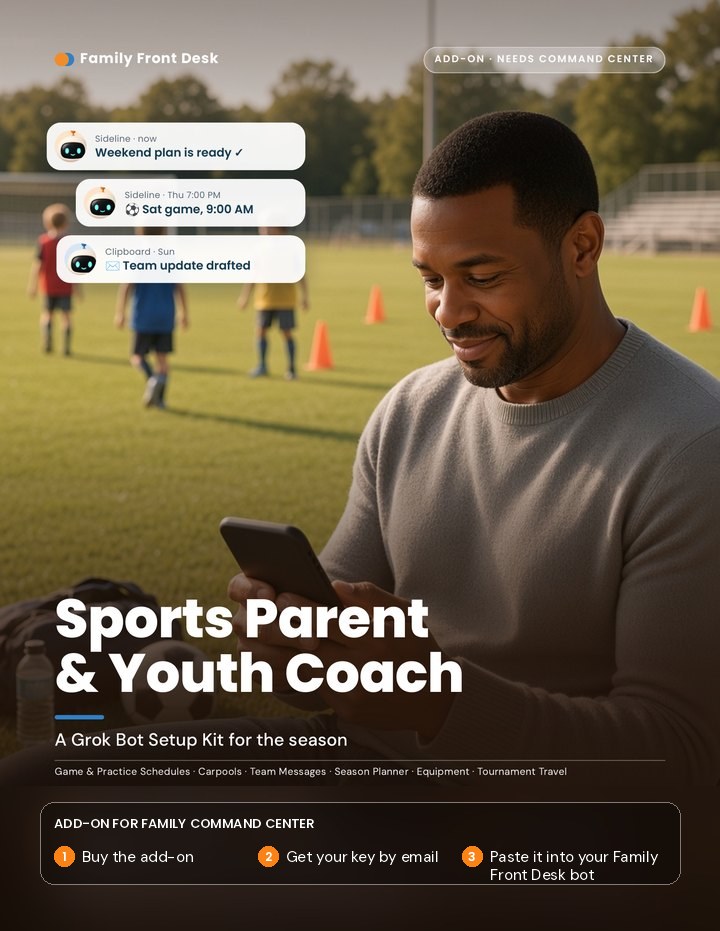
Cover of the Sports Parent and Youth Coach kit, a parent on the soccer sideline Add-on

Add-on · needs Command Center

Sports Parent & Youth Coach

Run the season instead of letting it run you. Helpers for parents, coaches, and travel weekends, with routines for game-day timelines, carpool gap checks, and weekly team email drafts.

$15
Buy the Sports add-on (opens in a new tab)
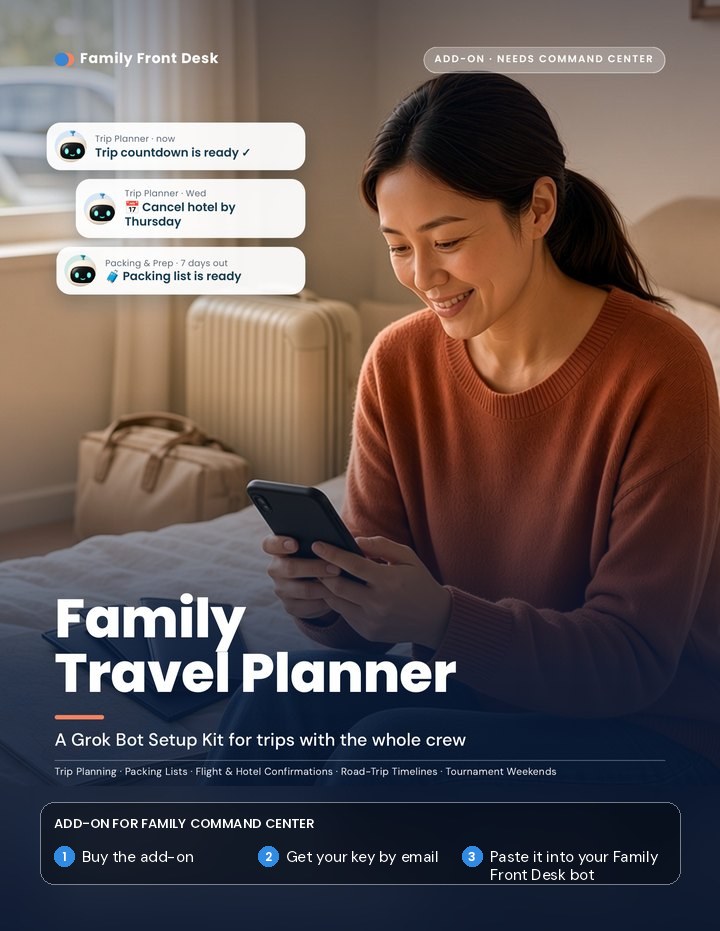
Cover of the Family Travel Planner kit, a parent packing for a trip Add-on

Add-on · needs Command Center

Family Travel Planner

Plan family trips without the spreadsheet chaos. Three travel helpers, from a weekly Trip Countdown to a travel-day timeline. The bots compare options and track deadlines; you do all the booking.

$15
Buy the Travel add-on (opens in a new tab)
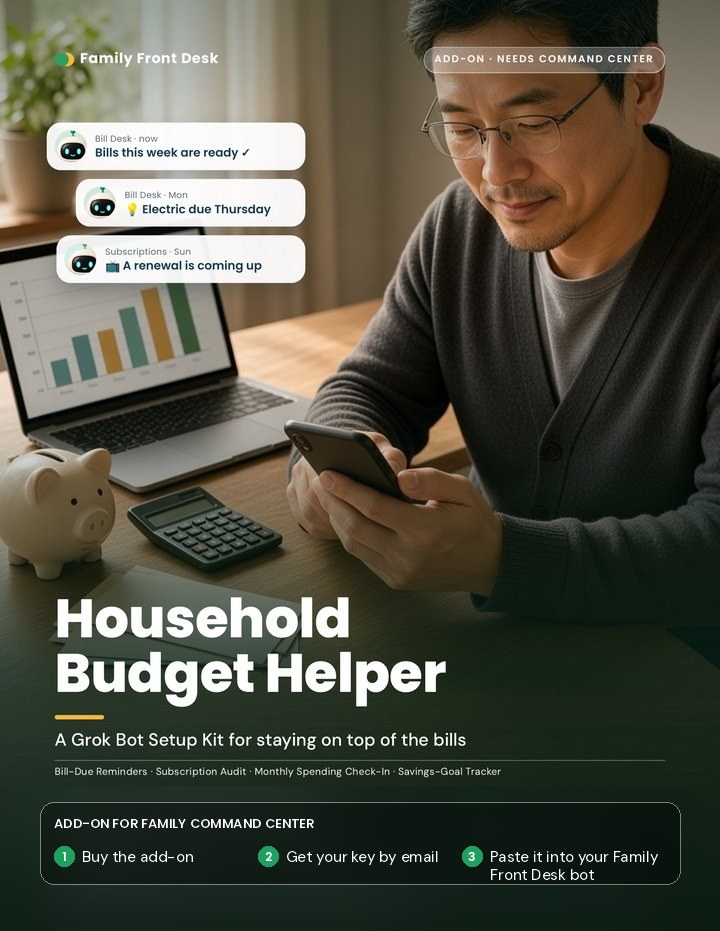
Cover of the Household Budget Helper kit, someone reviewing bills at a table Add-on

Add-on · needs Command Center

Household Budget Helper

Keep track of due dates and forgotten subscriptions. Bill reminders, a subscription check-up, a monthly spending check-in, and savings goals. Organizing help only, not financial advice. The bots never move money.

$15
Buy the Budget add-on (opens in a new tab)
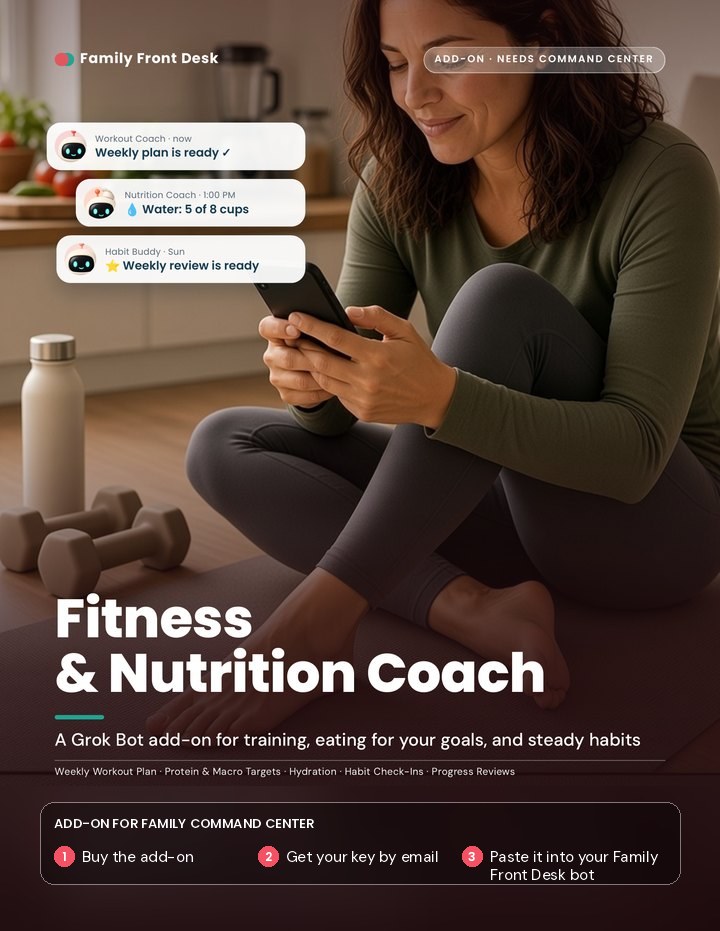
Cover of the Fitness and Nutrition Coach kit, someone on a yoga mat Add-on

Add-on · needs Command Center

Fitness & Nutrition Coach

Train and eat for your goals. A Workout Coach plans your week, a Nutrition Coach tracks the protein, macro, and water targets you set, and a Habit Buddy keeps you going. Meal plans and groceries stay with Command Center's Meals & Chores. Not medical, nutrition, or fitness advice. Check with your doctor first.

$15
Buy the Fitness & Nutrition add-on (opens in a new tab)

Secure checkout powered by Gumroad.
Best value

The Family Front Desk Bundle

Family Command Center plus all four add-ons: Sports, Travel, Budget, and Fitness & Nutrition. One license key unlocks everything. Your bot sets up Command Center first, then sets up each add-on whenever you're ready.

$69 $89 if bought separately. Save $20.

Includes your bot link and one license key for everything. Requires a Grok Bot subscription.

Buy the Bundle (opens in a new tab)

Secure checkout powered by Gumroad.

Questions

Frequently asked questions

Where's my license key?

It's in your receipt email from Gumroad, sent right after you buy. The same email has your bot link. If you don't see it, check your spam or promotions folder.

Still can't find it? Use the license key lookup page (opens in a new tab), type the email you used to buy, and your receipt will be sent to you again.

Keep your key private, like a gift card number. Paste it only into your Family Front Desk bot's chat.

Do I need Grok Bot first?

Yes. Our kits run inside Grok Bot, so you need a Grok Bot subscription. It's sold separately and isn't included in the kit price. Get Grok Bot (opens in a new tab)

Do I need to be good with technology?

No. You open one link and paste one key. The bot asks you simple questions in plain English and explains each step. If something gets stuck, reply to your purchase receipt email and we'll help.

Can I reinstall?

Yes. Each license key covers one first setup plus one reinstall. A reinstall means you removed the bot and added it again from your bot link, or set up a second copy. The new copy will ask for your key again.

Need to start over more than that? Reply to your purchase receipt email and we can reset your key.

How do add-ons work?

Add-ons need Family Command Center set up first. Buy the add-on, then paste its license key into the chat with your Family Front Desk bot (the same bot you already set up). It checks the key, asks a few questions, and creates that add-on's helper bots. It shows you each routine before turning it on. You don't need a new link.

An add-on key can't set up a new bot on its own. If you're starting fresh, get Family Command Center or the Bundle.

How does the Bundle work?

The Bundle has one license key that unlocks Family Command Center and all four add-ons. Your bot sets up Command Center first. Then it asks which add-on you'd like next, one at a time, whenever you're ready.

Is my family's information safe?

Your bot lives in your own Grok Bot account. It never asks for passwords, PINs, card numbers, or bank details, and it never sends an email or message without your OK. It doesn't pay for or book anything; you do that yourself. You stay in charge of every message and every booking.

Can I get a refund?

We handle refunds case by case. If a kit isn't working for you, reply to your purchase receipt email and we'll work it out.

Is this made by Grok or xAI?

No. Family Front Desk is an independent company that makes setup kits for Grok Bot. We're not affiliated with or endorsed by Grok, xAI, or X.